


Blog
Free Email Signature Generator
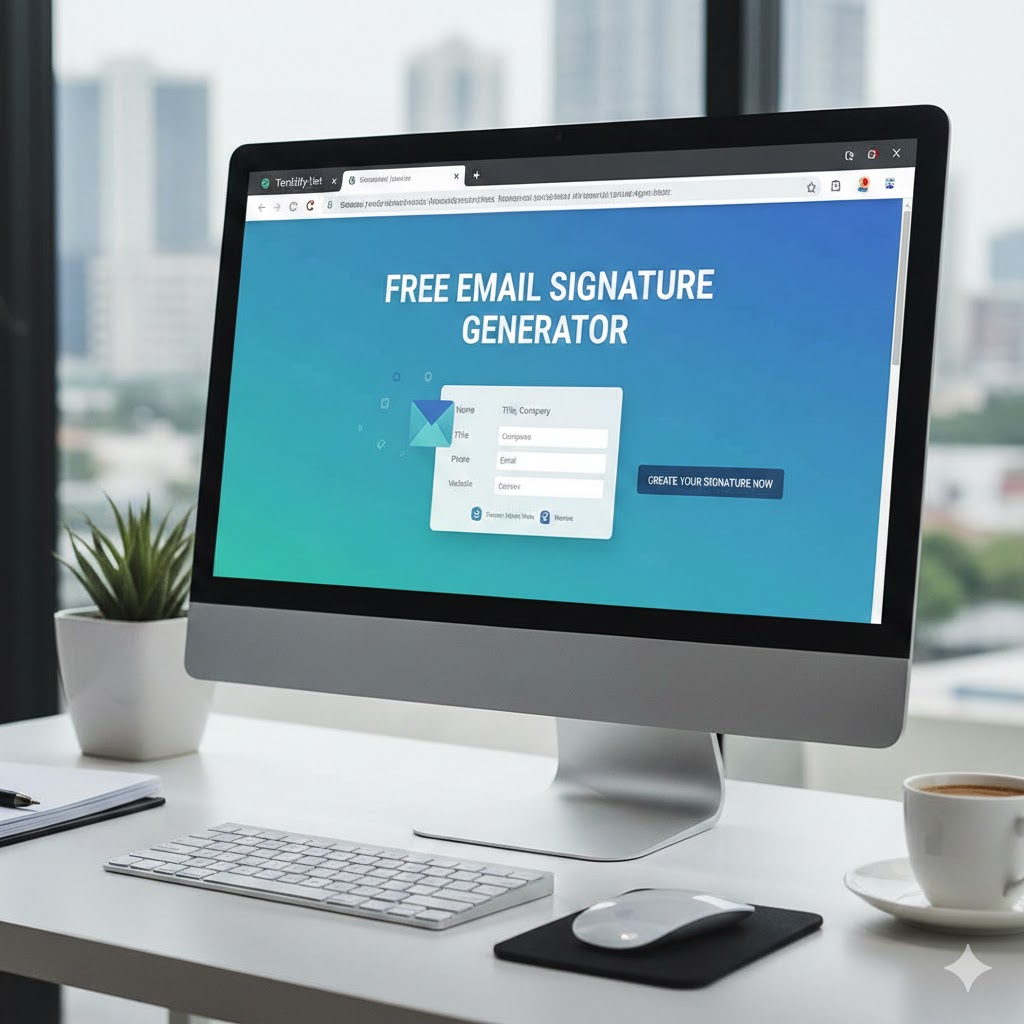
Ultimate Email Signature Generator
Professional, high-converting signatures for your team.
The Definitive Guide to Professional Email Signatures
Welcome to the most advanced Free Online Email Signature Generator. In today’s competitive digital landscape, an email signature is much more than just a sign-off. It’s a powerful marketing tool that builds brand awareness, establishes trust, and drives traffic to your key assets. Our tool is engineered to help professionals, entrepreneurs, and large-scale enterprises create cohesive brand identities across every single email sent.
Why Your Business Needs a Unified Email Signature Strategy
Statistical data shows that an average office worker sends approximately 40 emails per day. For a team of 50, that’s 2,000 opportunities daily to market your brand. Without a professional email signature, you are wasting valuable digital real estate. Our generator ensures that your contact details, website links, and social media profiles are presented in a clean, high-resolution format that looks perfect on both desktop and mobile devices.
Top Features of Our Signature Creator
- 20+ Premium Templates: From creative and artistic to corporate and minimal.
- Fully Customizable: Match your exact brand colors and upload high-quality logos or personal headshots.
- Cross-Platform Compatibility: Signatures are tested for Gmail, Microsoft Outlook, Apple Mail, and Thunderbird.
- No Coding Required: Generate HTML-ready designs without writing a single line of code.
- Instant Export: Download as a PNG image for static use or copy the formatted text for interactive use.
Best Practices for Email Signatures in 2024
To maximize the effectiveness of your signature, follow these expert tips:
- Keep it Simple: Don't overwhelm the reader. 3-4 lines of text is the sweet spot.
- Include a Photo: Humanize your brand. People prefer doing business with people, not faceless corporations.
- Mobile First: Ensure your font size is readable on small screens. Our tool automatically handles responsive spacing.
- Check Your Links: Always include a link to your primary website or your most active social profile like LinkedIn.
Frequently Asked Questions (FAQ)
1. Is this email signature generator really free?
Yes! Our tool is 100% free for individual and commercial use. You can generate unlimited signatures for your entire team without any hidden costs or subscriptions.
2. How do I add the signature to Gmail or Outlook?
Simply click the "Copy Text" button above, then go to your email settings (e.g., Gmail Settings > General > Signature) and paste (Ctrl+V) the content into the signature box.
3. Can I use my own company logo?
Absolutely. Use the upload feature in the sidebar to add your JPG or PNG logo. It will be automatically resized and integrated into all 20 designs.
4. Why should I download as PNG?
Downloading as a PNG ensures that your signature looks identical on every single device, bypassing font-rendering issues or CSS limitations in some older email clients.
Why Professional Email Signatures Matter More Than Ever in 2025
Let me share a quick story from my early days. I was closing deals left and right, but my emails looked amateurish—just text at the bottom. One prospect even replied, "Great pitch, but your signature makes you look like a solo operation." That stung. I fixed it immediately, and suddenly responses improved. Replies came faster, trust built quicker.
Data backs this up. According to HubSpot research, professional signatures act as digital business cards in billions of daily emails, boosting brand consistency and generating more qualified leads through embedded calls-to-action. Litmus reports highlight that with 4.6 billion email users projected by 2025, every send is a chance to reinforce your identity.
Without a strong business email signature, you're leaving money on the table. Here's why they matter:
- Brand Reinforcement: Consistent signatures across your team build recognition. Every email subtly reminds recipients who you are and what you stand for.
- Trust and Credibility: A clean, professional design signals legitimacy. Studies show including a photo or logo humanizes your brand, making people more likely to engage.
- Marketing Opportunities: Add links to your site, social profiles, or promotions. It's passive promotion—cost-free impressions with every email.
- Lead Generation: Smart signatures with CTAs can drive traffic. Organizations using centralized management see improved consistency and more leads.
- Professionalism on Mobile: Over 50% of emails open on mobile. Responsive designs ensure you look sharp everywhere.
Ignore this, and your emails blend into the noise. Master it, and you stand out.
Key Features of the Best Email Signature Generators
Not all email signature creators are equal. I've tested dozens, and the best ones share these traits. Our free tool here checks every box:
20+ Ready-to-Use Templates
From minimalist corporate styles to creative accents, there's a design for every industry. No starting from scratch.
Full Customization Options
- Upload your logo or headshot.
- Match exact brand colors with a color picker.
- Edit text fields: name, title, phone, email, website, address, LinkedIn.
Cross-Client Compatibility
Signatures render perfectly in Gmail, Outlook, Apple Mail, and more. We use clean HTML that avoids glitches.
Instant Export Options
- Copy HTML for direct paste into email settings.
- Download high-resolution PNG for static use or tricky clients.
No Code Required
Generate professional results in seconds. Real-time previews update as you type.
These features save hours. For teams, consistent branding across hundreds of emails daily compounds massively.
Best Practices for Creating Effective Professional Email Signatures
Over the years, I've refined signatures for multiple companies. Here's what works—backed by experts like HubSpot, Litmus, and NewOldStamp.
Keep It Simple and Scannable
Aim for 3-5 lines max. Overload kills readability.
Core Elements to Include:
- Full name and job title
- Company name (with logo)
- Primary phone and email
- Website URL
- One or two key social links (e.g., LinkedIn)
Optional Add-Ons:
- Professional headshot (increases trust—people connect with faces)
- Short tagline or CTA
- Physical address (for credibility)
Design Tips That Convert
- Use Brand Colors Wisely: One primary accent color for highlights. Avoid rainbows.
- Fonts Matter: Stick to web-safe options like Roboto, Arial, or Open Sans for consistency.
- Mobile Optimization: Keep width under 600px. Test on phones.
- Include a Photo: Data shows it boosts response rates by humanizing your brand.
- Add Clickable Icons: For social profiles—80% of professional signatures now include them.
Common Mistakes to Avoid
I've made these too:
- Too much info (multiple phones, every social network)
- Broken links or outdated details
- Heavy images that slow loading
- Inconsistent team signatures (one person fancy, another plain)
Pro Tip: For teams, standardize templates. It reinforces unity.
Step-by-Step: How to Create Your Signature Using This Tool
- Enter Personal Details: Fill name, title, email, phone.
- Add Business Links: Website, address, LinkedIn.
- Customize Design: Pick brand color, upload logo/photo.
- Preview Templates: Scroll through 20+ styles—updates live.
- Export: Copy HTML or download PNG.
That's it. Under 2 minutes for a signature that looks custom-designed.
How Email Signatures Drive Business Growth: Real-World Examples
Consider a mid-sized team of 50 sending 40 emails daily each. That's 2,000 emails per day—or over 700,000 yearly. Each with a branded signature linking to your site.
One company I advised added a simple "Schedule a Call" CTA. They tracked 15% more bookings directly from signatures.
Another used seasonal banners for promotions, seeing click-through rates rival paid ads—but at zero cost.
Centralized tools report higher brand consistency and lead flow. It's low-effort, high-reward.
Advanced Strategies for Business Email Signatures
Once basics are down, level up:
Incorporate CTAs
- "Book a Demo"
- "Download Our Guide"
- "Follow on LinkedIn"
Track with UTM parameters.
Use for Internal Comms Too
Remind teams of values or announcements.
Legal and Compliance
Add disclaimers if needed. Keep them concise.
Analytics Integration
Advanced platforms track clicks—measure ROI.
For global teams, consider localized versions.
Frequently Asked Questions About Email Signature Generators
Is this professional email signature generator free? Yes, 100% free. Unlimited generations, no sign-up required.
How do I add it to Gmail or Outlook? Copy the HTML, go to settings > signature, paste. For PNG, insert as image.
Can I use my company logo? Absolutely—upload any JPG/PNG. It auto-resizes.
Will it work on mobile? Yes, designs are responsive.
Why download as PNG sometimes? For clients that strip HTML, PNG ensures perfect rendering.
How many templates are there? Over 20, covering modern, classic, creative styles.
Elevate Your Branding Today
After 40 years in business, I know consistency wins. A professional email signature is one of the easiest ways to build that.
Use this free email signature generator now—create one for yourself, then roll it out team-wide.
Ready to make every email work harder for your brand?
Get started right here on Tendify.net—generate your signature today and see the difference.
About Eftekhari
From the Lab to the Global Market My journey began in the world of Chemical Engineering, where precision and optimization are everything. Today, as the CEO of Shayesteh Kar Rad Caspian and the founder of Tendify, I apply that same engineering mindset to the world of digital trade. I’ve transitioned from designing industrial processes to architecting digital marketplaces that serve the GCC and beyond. My expertise lies in blending "Engineering as Marketing" with a deep understanding of geopolitical market shifts. On Tendify, I share my insights and provide a platform designed for transparency and efficiency. I’m not just a developer; I’m a partner in your trade journey, committed to cutting through the noise with actionable, data-backed strategies.
View all posts by Eftekhari
